Launch
Before announcements, ad traffic, or a client reveal.
Website QA checklist
Use this checklist to QA the live pages that shape trust: homepage, pricing, signup, checkout, landing pages, and client handoffs. Start with a free scan and see what shipped.
1
free page scan
500
pages on full scans
CSV
exportable issues
Please wait while we check your website for spelling errors, grammar mistakes, and more. This may take a few moments...
Enter any page URL to run a quick spell check in the main app. Use this when you want results right away without installing the extension first.
Includes 1 free page scan per site.
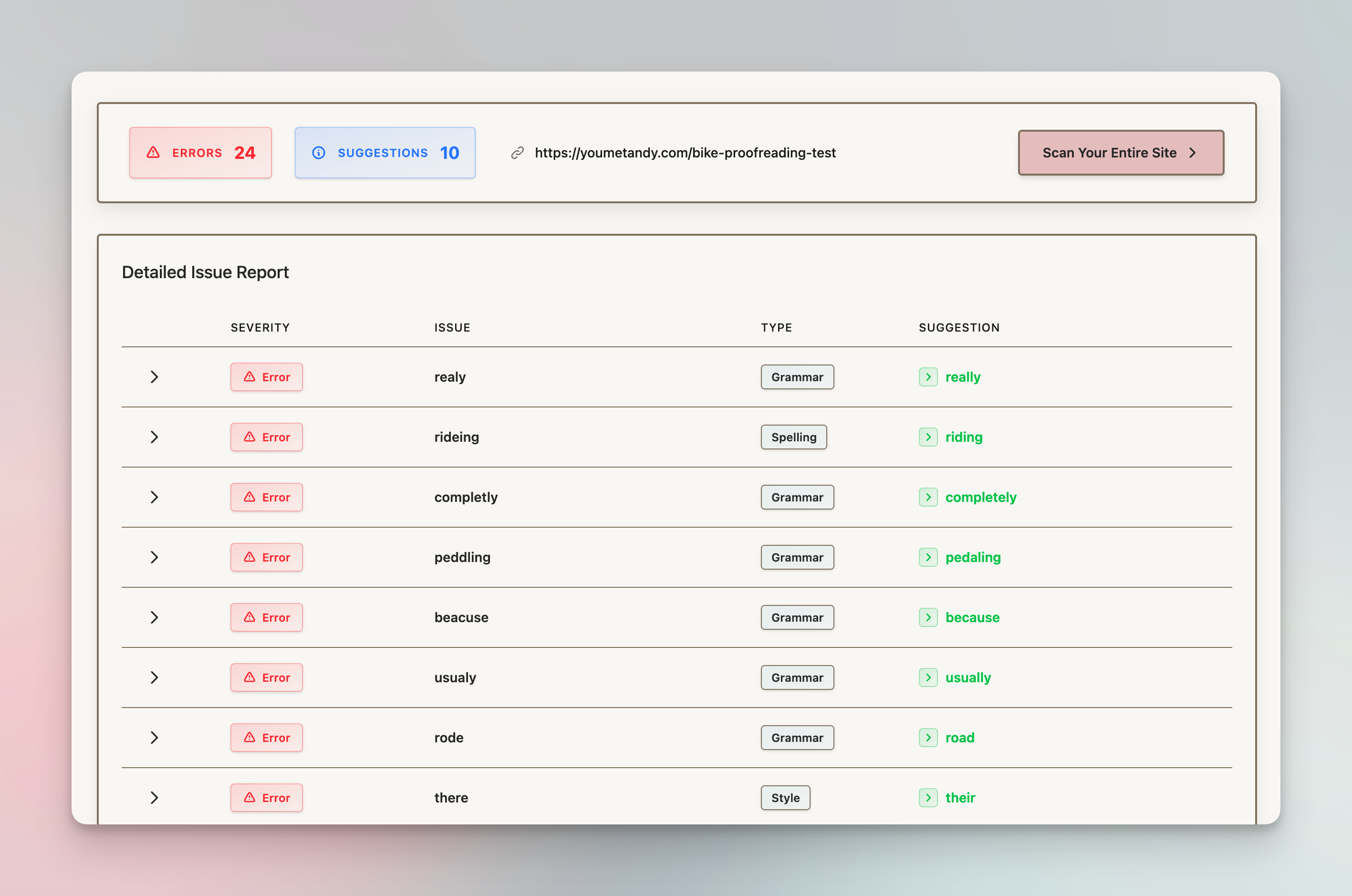
Output: page-level issues your team can fix
Why this exists
Before announcements, ad traffic, or a client reveal.
After templates, sections, and CMS content move around.
Before pricing, signup, checkout, or demo pages absorb traffic.
After quarterly edits, content refreshes, and site cleanup.
The checklist
Start with the pages that shape trust and conversion, then move outward to the long-tail content where older mistakes collect.
Fastest useful pass
Scan homepage, pricing, or signup first. If that page has issues, widen the audit.
Start with a free scanCheck these before lower-traffic pages.
Check these before lower-traffic pages.
Check these before lower-traffic pages.
Workflow
The checklist gives the order. The scan gives the proof. Use both so the team can stop guessing where the site looks unfinished.
Start with the page most likely to cost trust: homepage, pricing, signup, checkout, or launch landing page.
See the exact copy problem, suggested correction, severity, surrounding text, and page-level context.
If one high-risk page has issues, run the site-wide scan and export the cleanup list for the team.
Recommended first pass
If that page comes back clean, you have a useful signal. If it finds issues, run the broader site scan before more traffic sees the same pattern elsewhere.
Get complete spelling analysis across your entire website with our AI-powered technology.
Contextual AI analysis cuts false positives so you can focus on real mistakes.