Checks inside the editor
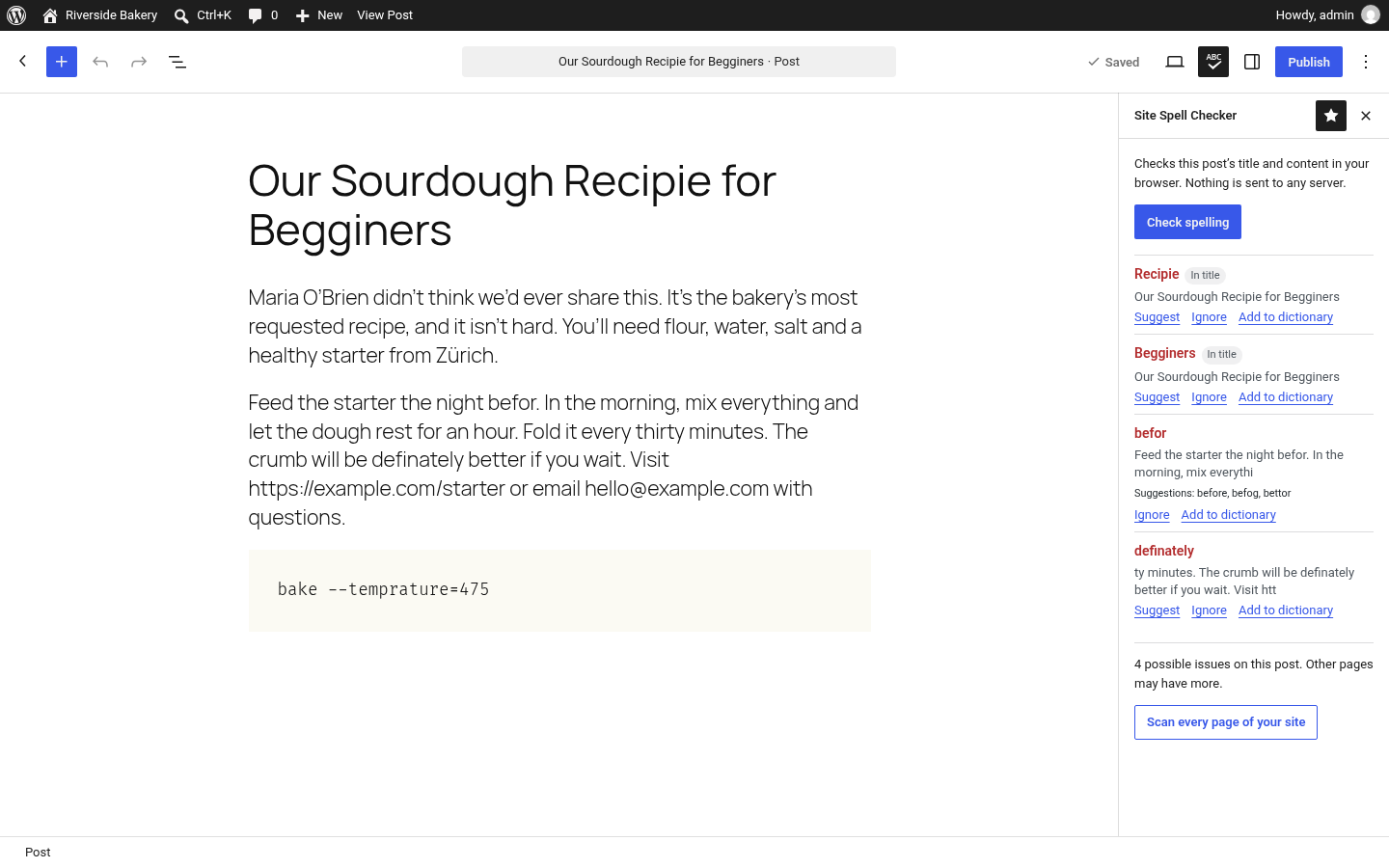
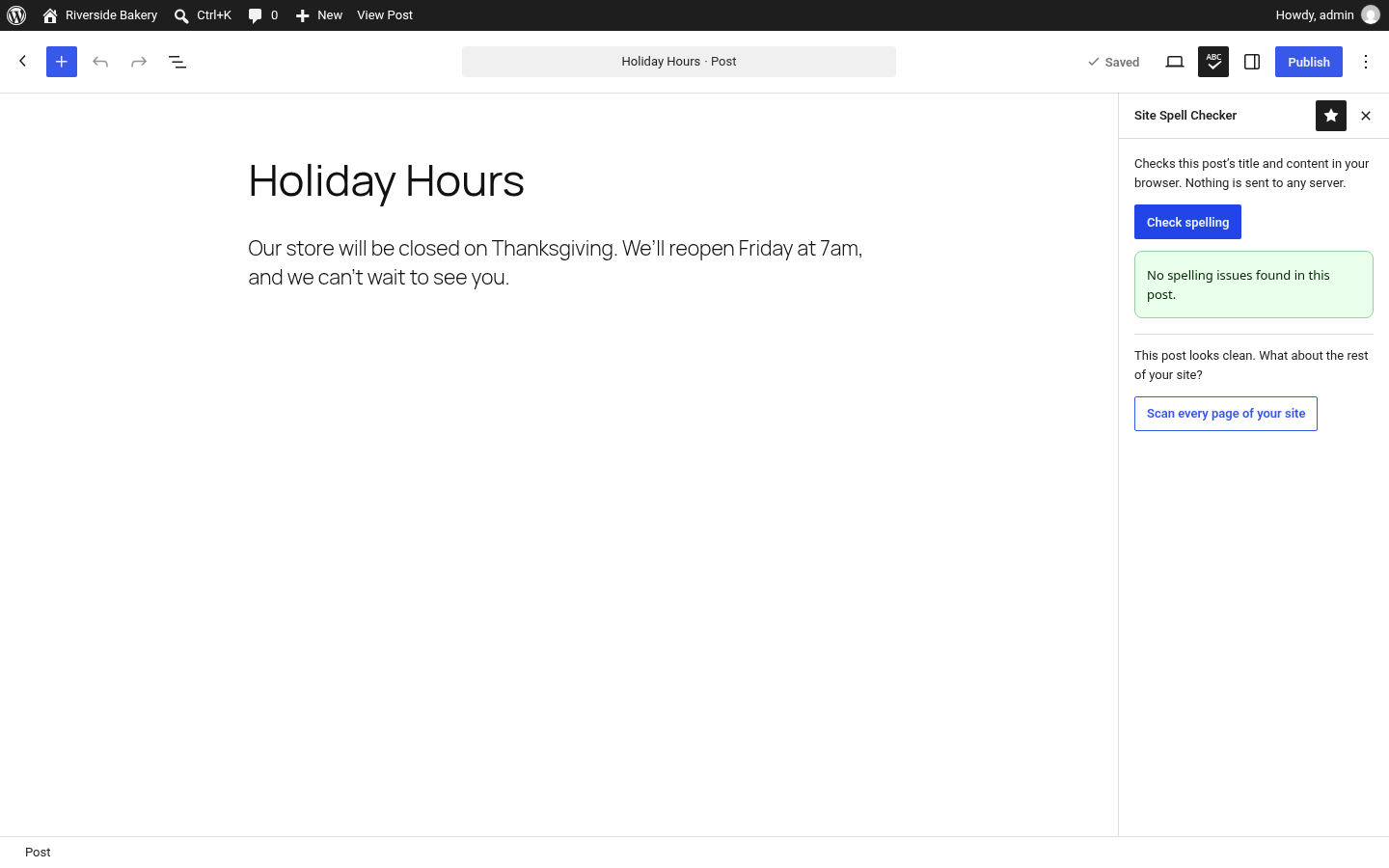
Open any post or page in the block editor, click the spell check icon in the toolbar, then Check spelling. Issues appear in the sidebar with Suggest, Ignore and Add to dictionary.
Free WordPress plugin for spell checking in the block editor
Site Spell Checker adds a spelling panel to the WordPress block editor. Click Check spelling to review your post title and content against an English (US) dictionary. The check runs in your browser, so your content never leaves it.
Free plugin · No account · No API key · No tracking
Open any post or page in the block editor, click the spell check icon in the toolbar, then Check spelling. Issues appear in the sidebar with Suggest, Ignore and Add to dictionary.
Contractions and possessives (don't, it's, O'Brien, Sarah's) work with straight or curly apostrophes. Accented words like café and naïve are accepted. Numbers, links, email addresses, code blocks and ALL-CAPS acronyms are skipped.
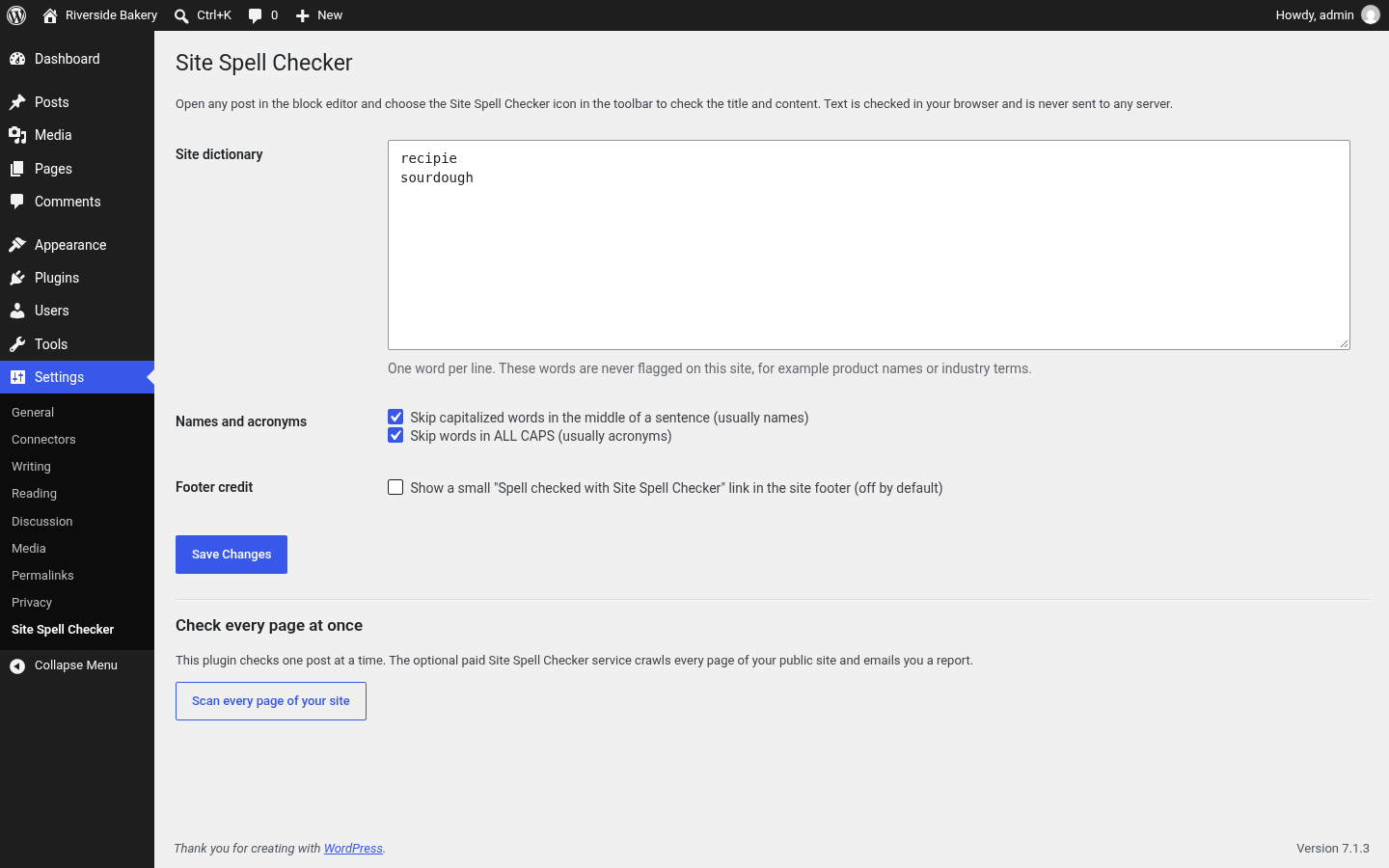
Capitalized words in the middle of a sentence are treated as names and skipped. You can turn this off in settings.
Add product names and jargon once with Add to dictionary, or edit the list under Settings → Site Spell Checker. Use Ignore to hide a word for the current editing session only.
The plugin checks the post you're editing. The site scan checks everything already published. They're separate products, and the plugin works fully without the scan.
| Category | WordPress plugin (free) | Full-site scan ($99, paid once) |
|---|---|---|
| What it checks | The post or page open in the block editor: title and content. | Your public website, crawled page by page. |
| When | Before you publish. | After you publish, including old posts and pages. |
| Where it runs | In your browser. Content is never sent to any server. | On sitespellchecker.com, against your live public pages. |
| Account | None. | Email for checkout and report delivery. |
| Output | Sidebar list with Suggest, Ignore, Add to dictionary. | A report of issues across your site. |
| Price | Free. | $99 one-time, no subscription. |
| Get it | Install from WordPress.org | Start a $99 site scan |
Requires WordPress 6.0+ and PHP 7.4+. Block editor only, English (US) only in version 1.0.
Get it on WordPress.orgSpell checking runs in JavaScript in your browser. The plugin makes no external HTTP requests, has no analytics or telemetry, and never sends your content anywhere, including to us.
It only loads the plugin's own dictionary files from your site. When an administrator uses Add to dictionary, it saves the word through the WordPress REST API on your own site.
The plugin includes one optional link, Scan every page of your site. If you click it, sitespellchecker.com opens with your site's domain and attribution parameters in the URL. No post content is included, and nothing is sent unless you click.
For bloggers, editors and agencies who write in the block editor and want a final spelling pass before hitting Publish, without pasting drafts into a third-party tool.
Yes. Every plugin feature is free. The full-site scan at sitespellchecker.com is a separate, optional $99 one-time service.
No. Checking happens entirely in your browser. The plugin makes no requests to sitespellchecker.com or any other third-party service, and has no analytics or telemetry.
The plugin checks one post at a time while you edit, before publishing. The website scan crawls your public site and reports issues across every page it finds, including old content. Use the plugin for new posts and the scan to clean up what's already live.
English (US) only in version 1.0.
Not yet. Version 1.0 supports the block editor only.
Capitalized words in the middle of a sentence are usually names, so they're skipped by default. Capitalized words at the start of a sentence are still checked. You can change this under Settings → Site Spell Checker.
Administrators (users with the manage_options capability). Other users can click Ignore to hide a word for their current editing session.
Deleting the plugin removes all of its settings, including the site dictionary.
Yes. To check any live page in Chrome, see the Chrome extension.
Install the free plugin for every new post. When you want to check everything you've already published, run one full-site scan.
Get complete spelling analysis across your entire website with our AI-powered technology.
Contextual AI analysis cuts false positives so you can focus on real mistakes.